The locations tab
The locations tab shows GPS status: the current fix, its age, and the street address for it. The screen reads No GPS signal when there’s no fix. Below that, your home zones appear with the distance to each, reading Inside or X m away.
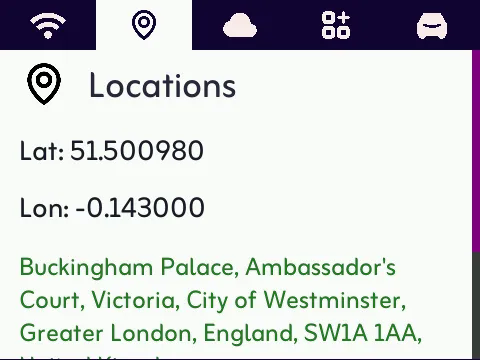
Use this tab to check why the camera might show yellow. It’s parked somewhere it doesn’t consider home.
If you have no zones configured, the tab shows that uploads happen wherever the vehicle is stationary.