Brand, model, and name
Steps 1 and 2: Brand and model
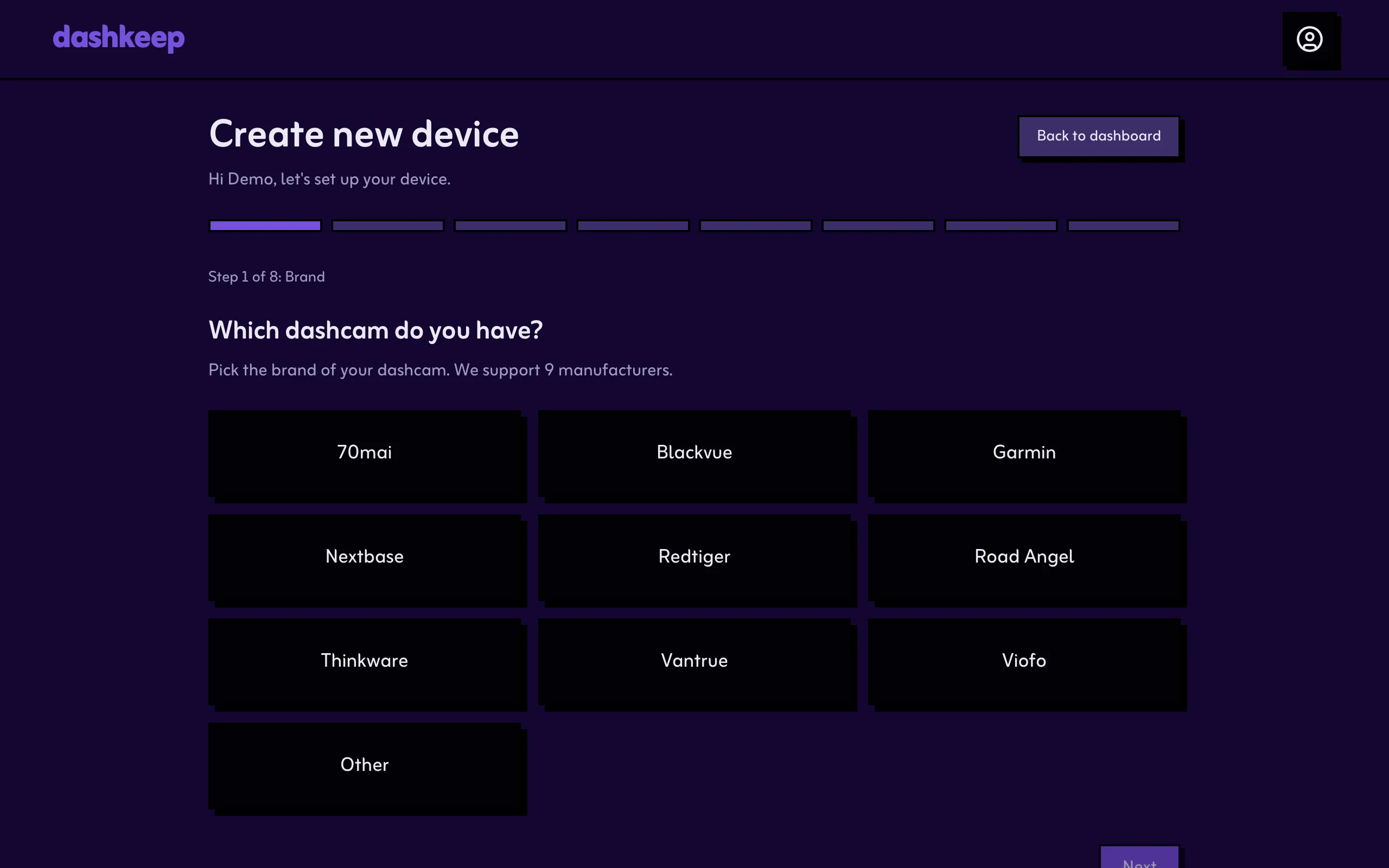
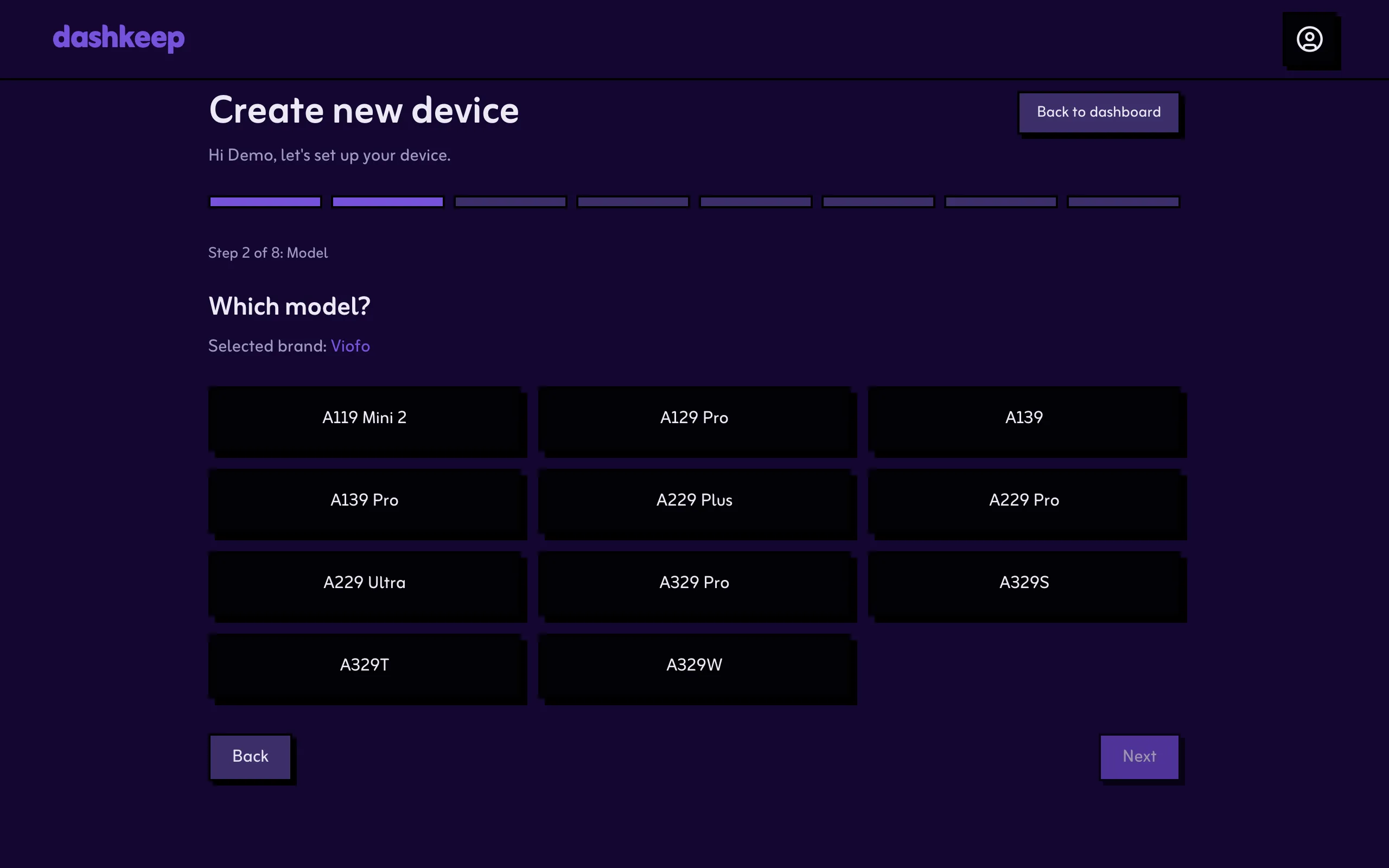
Section titled “Steps 1 and 2: Brand and model”Pick your dashcam’s brand, then its exact model. The wizard supports 70mai, Blackvue, Garmin, Nextbase, Redtiger, Road Angel, Thinkware, Vantrue, and Viofo. For anything else, pick Other and type the make and model in.
Viofo sold two versions of the A119 Mini 2 under the same name. When you pick that model, the wizard asks which one you have. Check the serial number on the box or the firmware version in the camera’s settings menu: the 2022 to 2024 model has a serial starting with A119MS2 and firmware starting with FWA119M2, and the 2025 refresh has firmware starting with FWA119MN. The camera only installs the firmware named for its own version, so this pick decides which file the wizard puts on the card.
Step 3: Name, icon, and colour
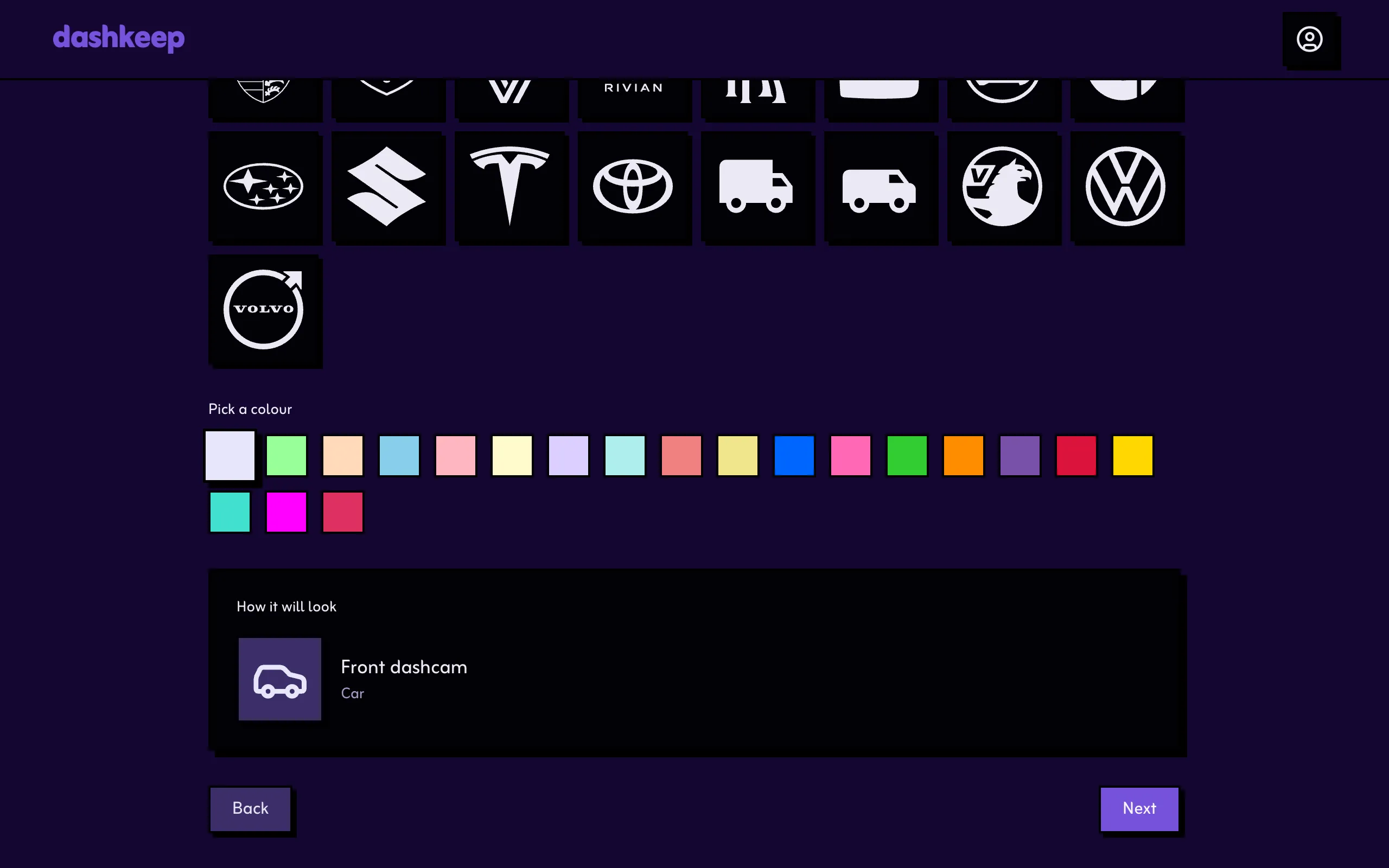
Section titled “Step 3: Name, icon, and colour”Give the device a name you’ll recognise on the dashboard, such as “Front dashcam.” Then pick an icon and a colour. Both appear on every device card and in the trips sidebar.
When you leave this step, DashKeep checks whether your make and model has a published firmware patch. If DashKeep is still working on the patch, the wizard switches to a pre-order instead of the normal setup. Your device keeps its place in the queue.
When you’re ready, move on to Home zones.