Home zones
Step 4: Home zones
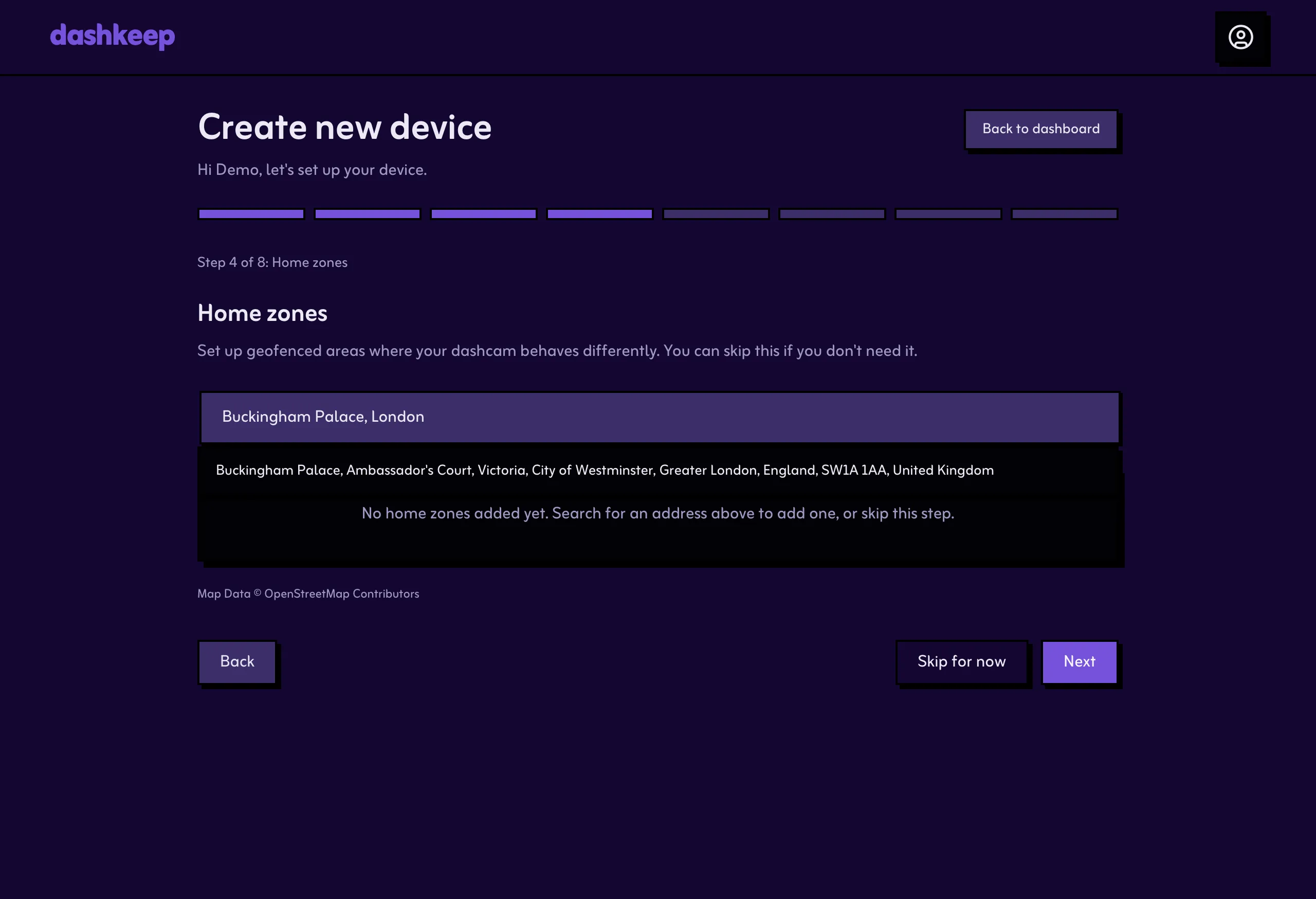
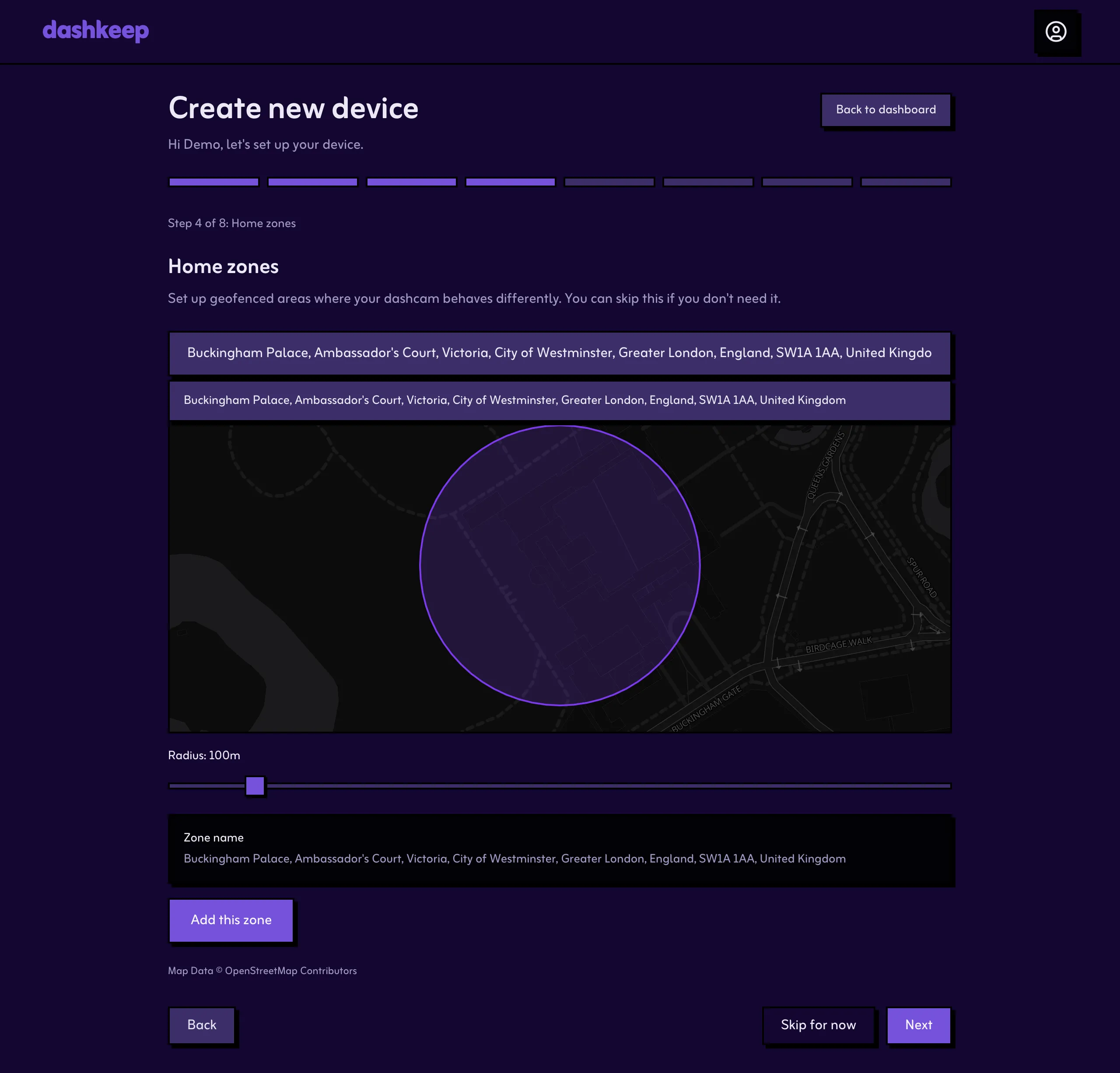
Section titled “Step 4: Home zones”A home zone is a geofence around a place with your Wi-Fi in range, like your house. Inside the zone, the camera switches its Wi-Fi on by itself, ready to back up its footage. Outside your zones, the radio stays off. Search for an address, drag the map if the pin is off, adjust the radius, and select Add this zone. You can add up to five per device, or skip this step and come back later from the settings page.
When you’re done, move on to Wi-Fi networks.