Create an account
DashKeep accounts are passwordless. You sign in with your email address and a six-digit confirmation code, so there is no password to create, remember, or reset.
Sign up
Section titled “Sign up”- Go to
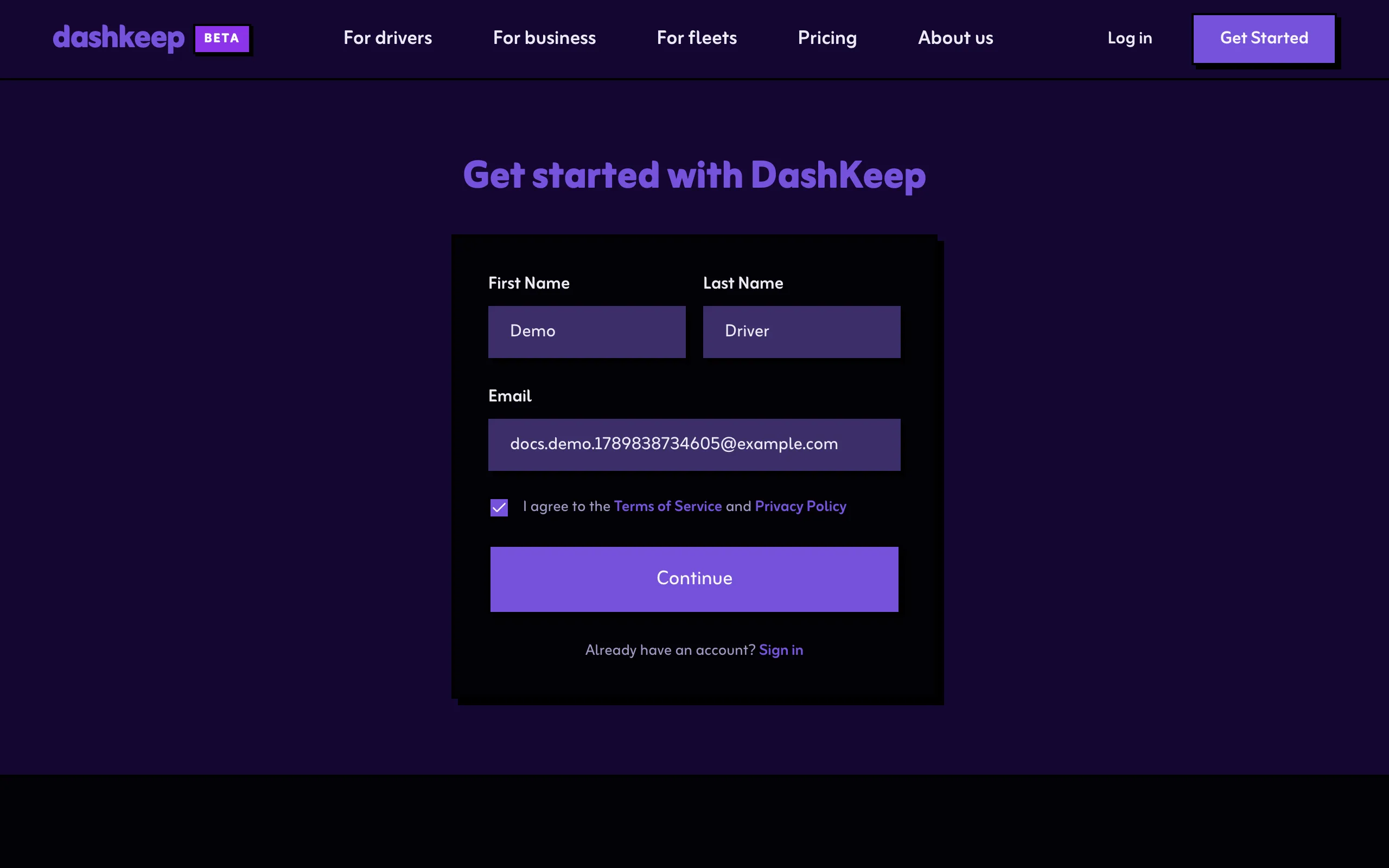
dashkeep.com/signup. You can also select Get started anywhere on the site. - Fill in your first name, last name, and email address.
- Tick the box to agree to the Terms of Service and Privacy Policy.
- Select Continue.
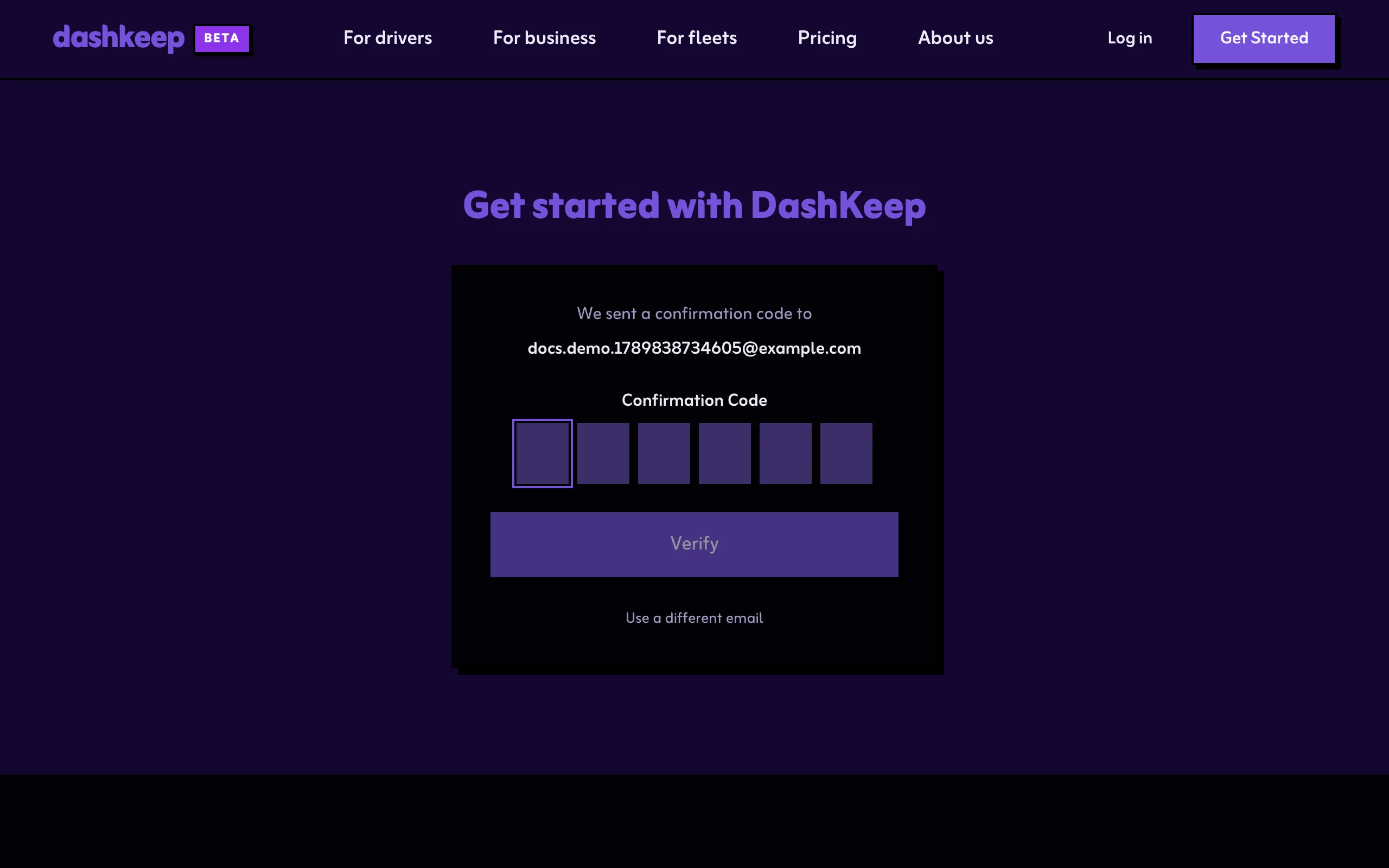
DashKeep emails a six-digit confirmation code to the address you entered.
- Type the code into the confirmation box and select Verify.
Your account is live. The dashboard opens, ready for you to add your first dashcam.
If the code hasn’t arrived after a minute or two, check the spam folder. If the address already exists, sign in instead.
Sign in
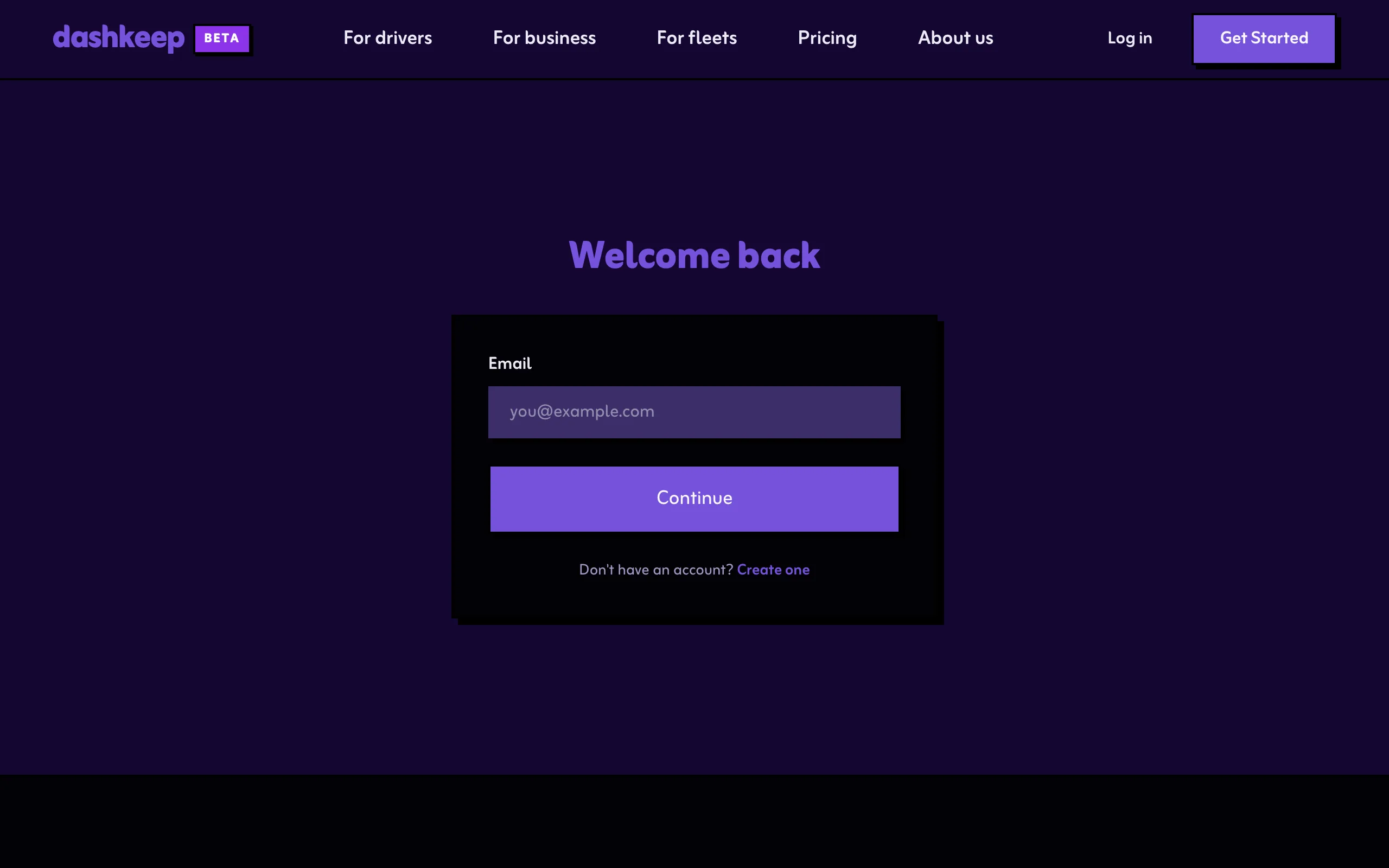
Section titled “Sign in”Signing in works the same way. Go to dashkeep.com/login, enter your email address, and type the code from the email.
Accepting an invite
Section titled “Accepting an invite”Someone who shares a device with you sends an invite to your email. Open the link while signed in with that same address, and the device appears on your dashboard with the access the owner granted. See Sharing a device.