The clips tab
The Clips tab lists every stored file for the device, newest first, instead of whole drives. Filter the list with All, Locked, Shared, Parking, and Archived. Shared means clips with a live public link. Archived means the storage quota already evicted the clip: the original footage is gone and only the quality-reduced copies in the unlimited archive remain, so the clip still plays as animated thumbnails. Clicking an archived clip opens its drive and plays the archived preview. Each row shows badges for the channel, such as front, rear, or interior. Parking marks a parking-mode recording, a lock marks a protected clip, a link icon marks a published clip, and a cloud-off icon marks a removed clip.
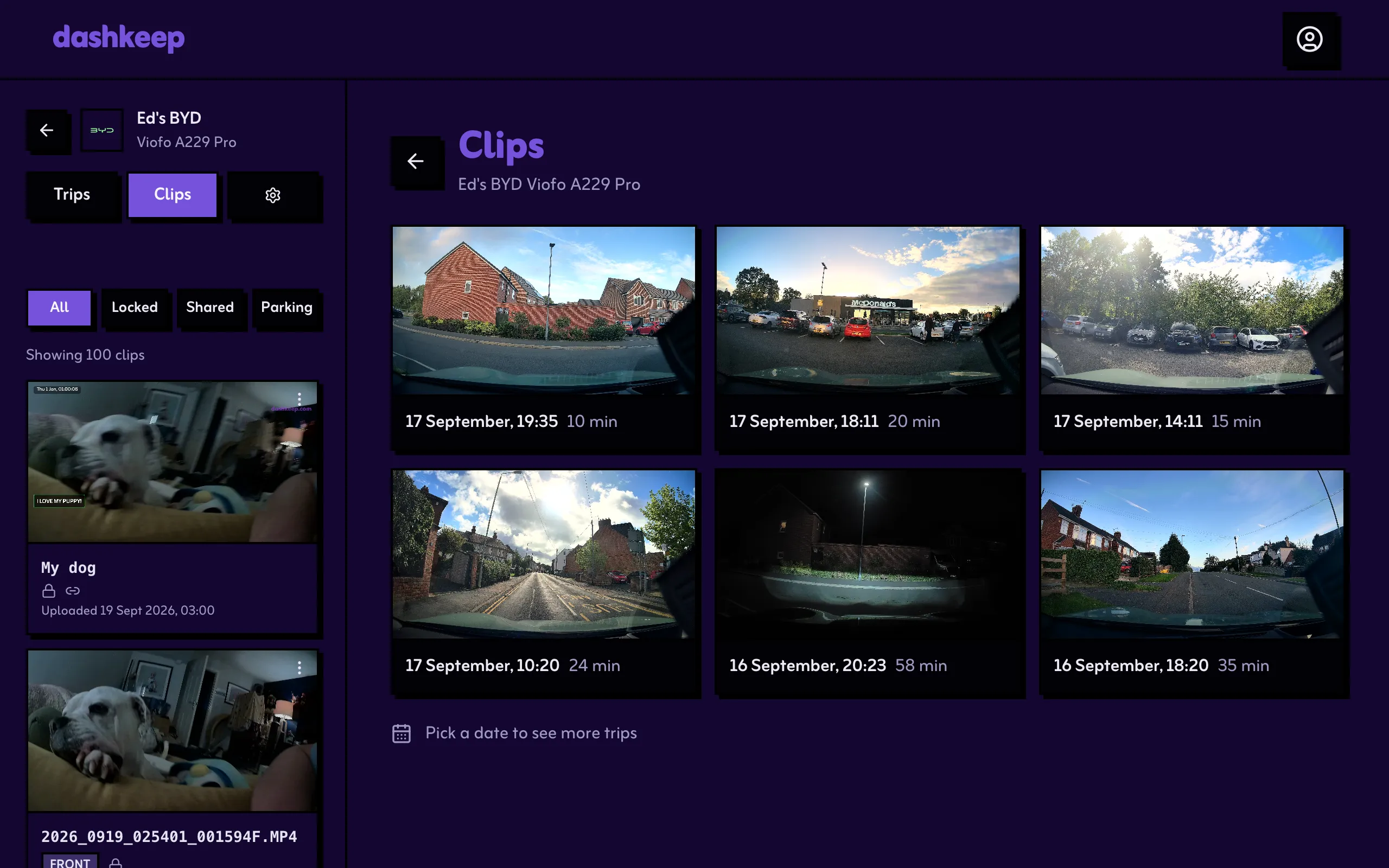
The list loads a page at a time: keep scrolling towards the end and the next page loads with each gesture. A Load more clips button appears when you want the next page without scrolling, and at the very bottom of the list it is the way to keep going. The line That is every clip stored for this device. marks the true end.