What DashKeep is
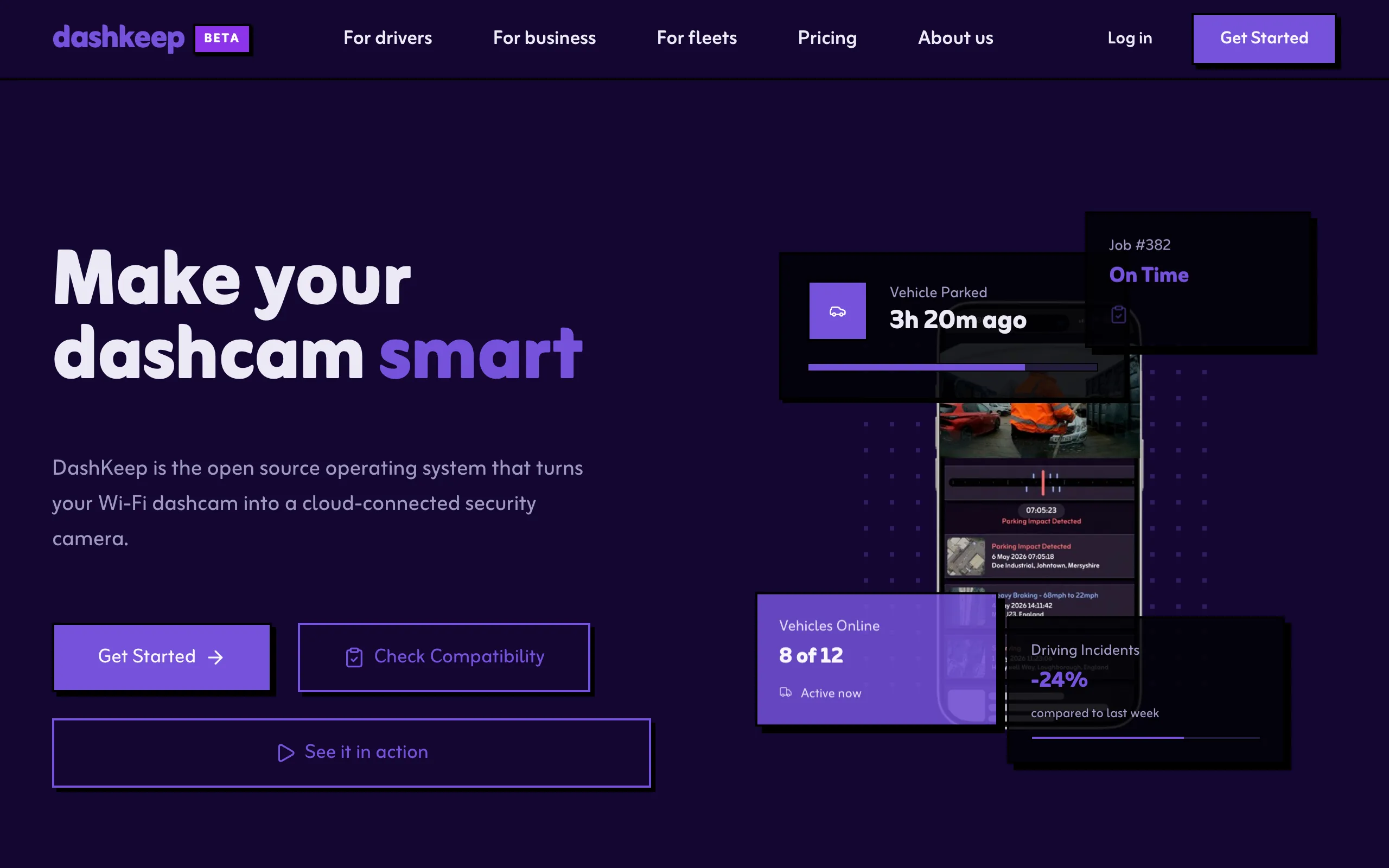
Most dashcams record to a memory card and nothing more. To watch the footage, you plug the card into a computer. DashKeep changes that. Your camera sends its footage to the cloud by itself, and you can watch it from anywhere, on any device. It works on a dashcam you already own. The camera keeps recording as normal, and DashKeep adds the rest.
Who benefits
Section titled “Who benefits”Anyone who drives gets something out of DashKeep:
- Parents of a new driver. You can see where and how your teenager drives, without calling them.
- Taxi and rideshare drivers. Every trip backs up on its own. A false claim meets footage you can share.
- Tradespeople. If someone breaks into the van overnight, parking mode catches it. You can send the clip straight to the police.
- Everyday commuters. After a crash, you don’t rely on memory. The footage shows what happened.
- Anyone with several vehicles. Every camera shows up in one dashboard, and you can check any of them from anywhere.
What gets installed
Section titled “What gets installed”When you set up a device, DashKeep patches a copy of your maker’s firmware. It writes three things onto the camera’s memory card:
- the DashKeep agent, a small program that starts instead of the camera’s normal interface at boot,
- a configuration file,
dashkeep.dat, that stores the cloud account, Wi-Fi networks, and home zones for this camera, - the launcher built into the patched firmware, which checks the agent before starting it.
The agent draws its own screens on the camera’s display. You keep the recording button, the parking mode, and the picture quality the maker gave you. DashKeep adds the parts the maker left out. You get uploads, live status, incident detection, and a local menu that works without a phone.
The DashKeep agent
Section titled “The DashKeep agent”- Uploads on its own. A home zone is a geofence around a place like your house. When the camera enters the zone, DashKeep turns on its own Wi-Fi. The camera is now ready to back up the footage. It uploads, then turns the radio off again. Away from your zones, the radio stays off. You never adjust a Wi-Fi setting. See How an upload starts.
- Shows what it’s doing. A small DashKeep logo appears over the live view. Its tint shows the camera’s state at a glance. See The status logo colours.
- Detects incidents. DashKeep marks sudden braking, impacts, and parking bumps. It protects those clips. The storage rules can never delete them before you’ve seen them.
- Runs a local menu. Press the camera’s Wi-Fi button twice to open DashKeep’s diagnostics menu. It shows network status, locations and home zones, storage, apps, and the about page. See The advanced menu.
- Updates itself. The agent downloads new versions on its own and installs them. You never update anything by hand.
The cloud side
Section titled “The cloud side”Your footage ends up in DashKeep Cloud. The dashboard at dashkeep.com shows every device and every trip on a map. You can play any clip with speed and map overlays. You can export any clip as a public vdash.cam link for insurance or the police. Passwords protect single clips. You can share clips with family or colleagues. You control what each person can see.
Storage that manages itself
Section titled “Storage that manages itself”You never sort, move, or delete files to make room. Every account includes 12 hours of high quality footage on a rolling basis, up to 4K at 60 fps. New footage pushes the oldest unlocked clips out of the window. The window keeps rolling without any attention from you.
When a clip leaves the window, it moves into the archive. The archive has no size limit. It keeps your speed, location, bearing and other details for every trip, and a low quality video copy of each clip. The archive reduces your liability. It shows where a vehicle was and how fast it was going, long after the camera’s loop recording has wiped the original clips.
The archive isn’t built for close viewing. The video copy is low resolution, and fast motion turns into a smear. If a clip matters, lock it. A locked clip never leaves the high quality window, and it keeps full detail until you unlock it.
Choose between DashKeep Cloud and DashKeep Community Edition:
- DashKeep Cloud runs this storage for you. The archive follows the EU General Data Protection Regulation, or GDPR. DashKeep stores it in Frankfurt.
- DashKeep Community Edition is the self-hosted option. Your dashcam uploads to your own S3 bucket, and DashKeep never receives any of the footage. See the Community Edition section.
Both plans are per device. Both use the same agent and the same website.
Supported dashcams
Section titled “Supported dashcams”The setup wizard covers 70mai, Blackvue, Garmin, Nextbase, Redtiger, Road Angel, Thinkware, Vantrue, and Viofo. An “Other” option covers everything else. Support for a new model starts with a firmware patch built for it. If your exact model isn’t ready yet, the wizard takes you through a pre-order instead. The wizard can add most dashcams with Wi-Fi and GPS. If yours is missing, ask.