Wi-Fi networks
Step 5: Wi-Fi networks
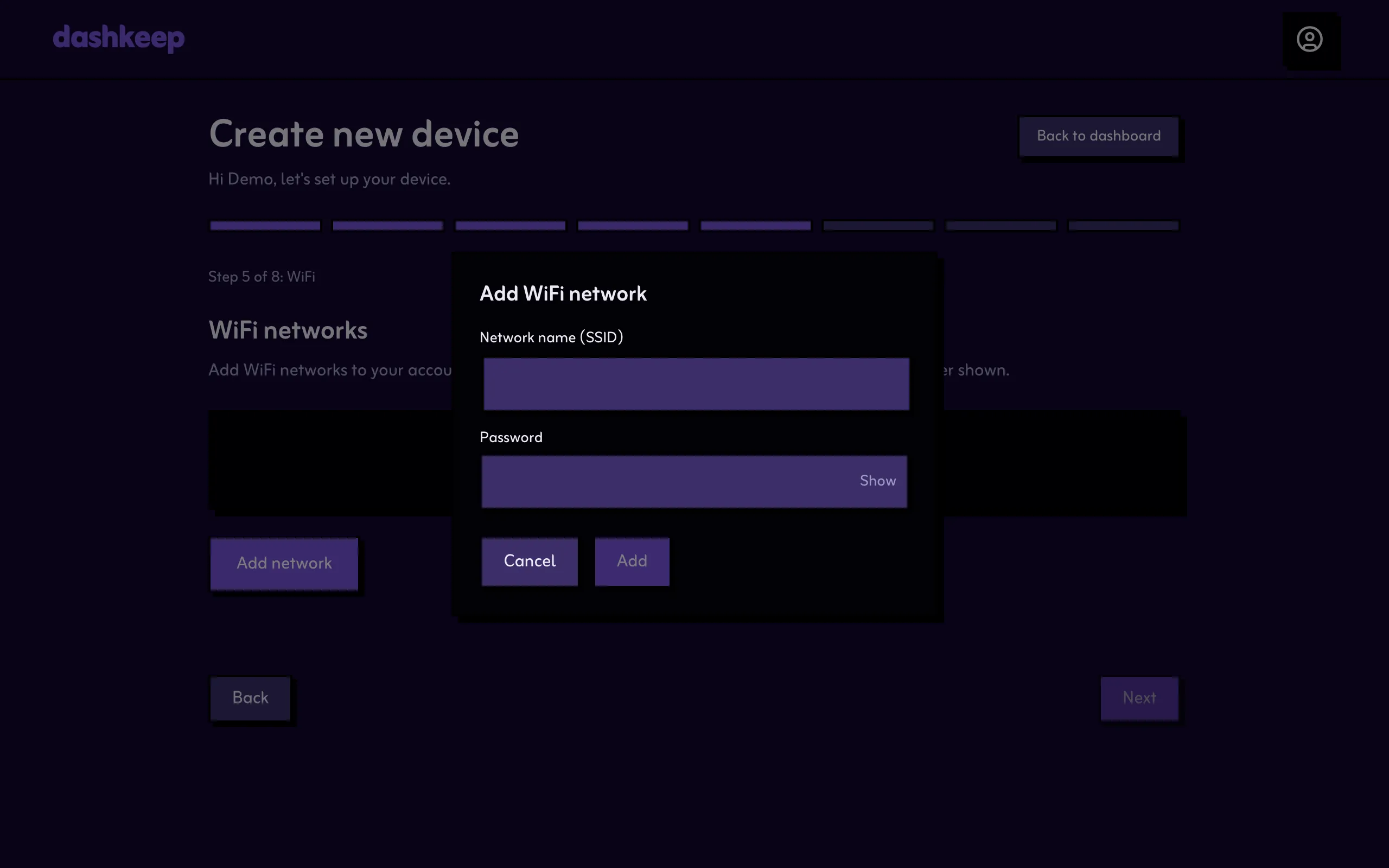
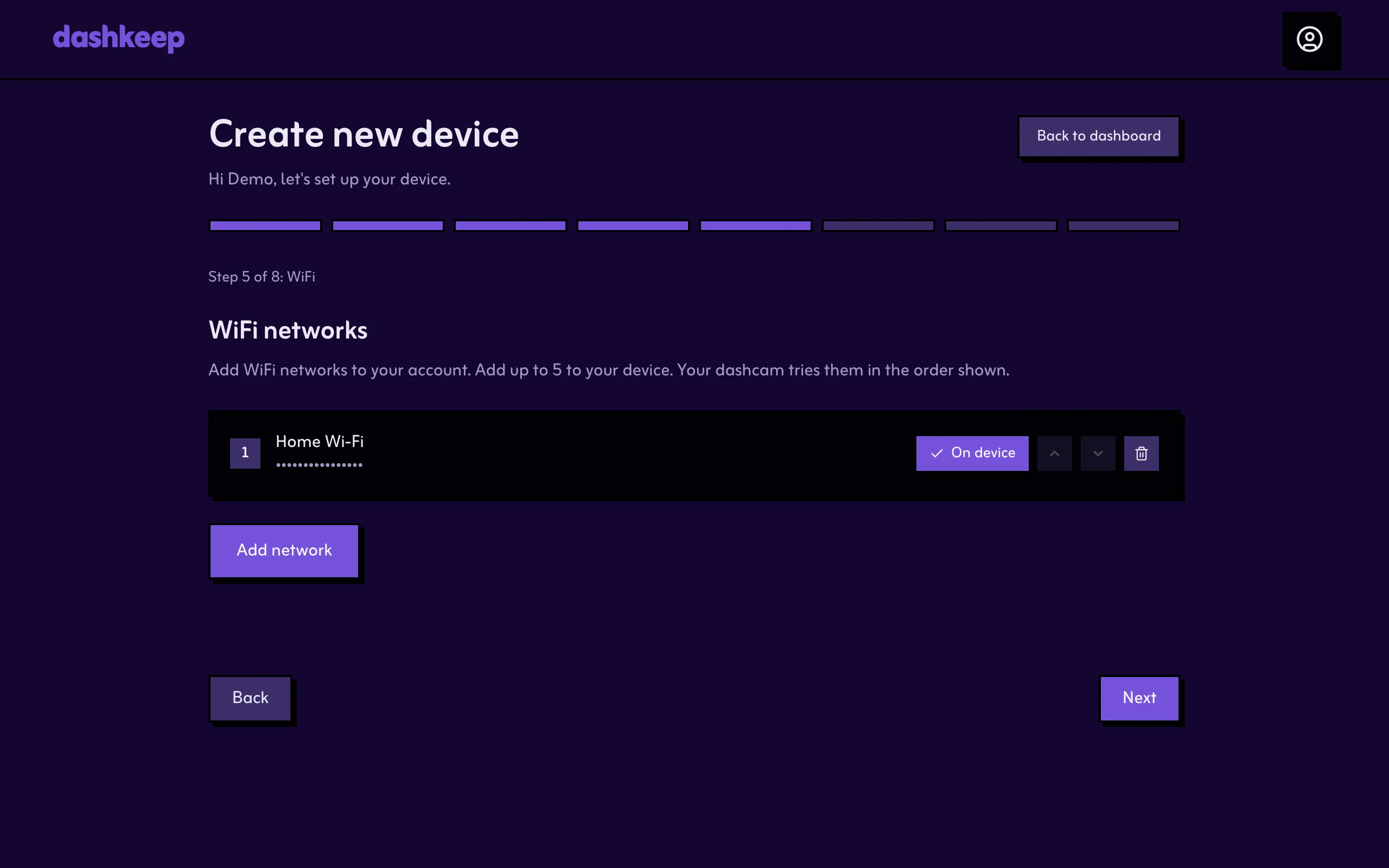
Section titled “Step 5: Wi-Fi networks”Add the Wi-Fi networks the dashcam should use for uploads, in the order it should try them. DashKeep stores the passwords securely and writes them to the camera’s configuration, so it can log in on its own. The camera tries the list top to bottom. Add at least one network.
Stepping past this step creates the device on your account. DashKeep creates a device key and embeds it in the configuration that the next step writes to the card. If you close the browser here, come back to the same browser to continue.
The next page writes DashKeep onto the card: Install and connect.