Creating a device
Every dashcam on your account is a device. You create one with the setup wizard. The wizard patches the manufacturer’s firmware in your browser, writes DashKeep onto the memory card, and walks you all the way to a paid plan.
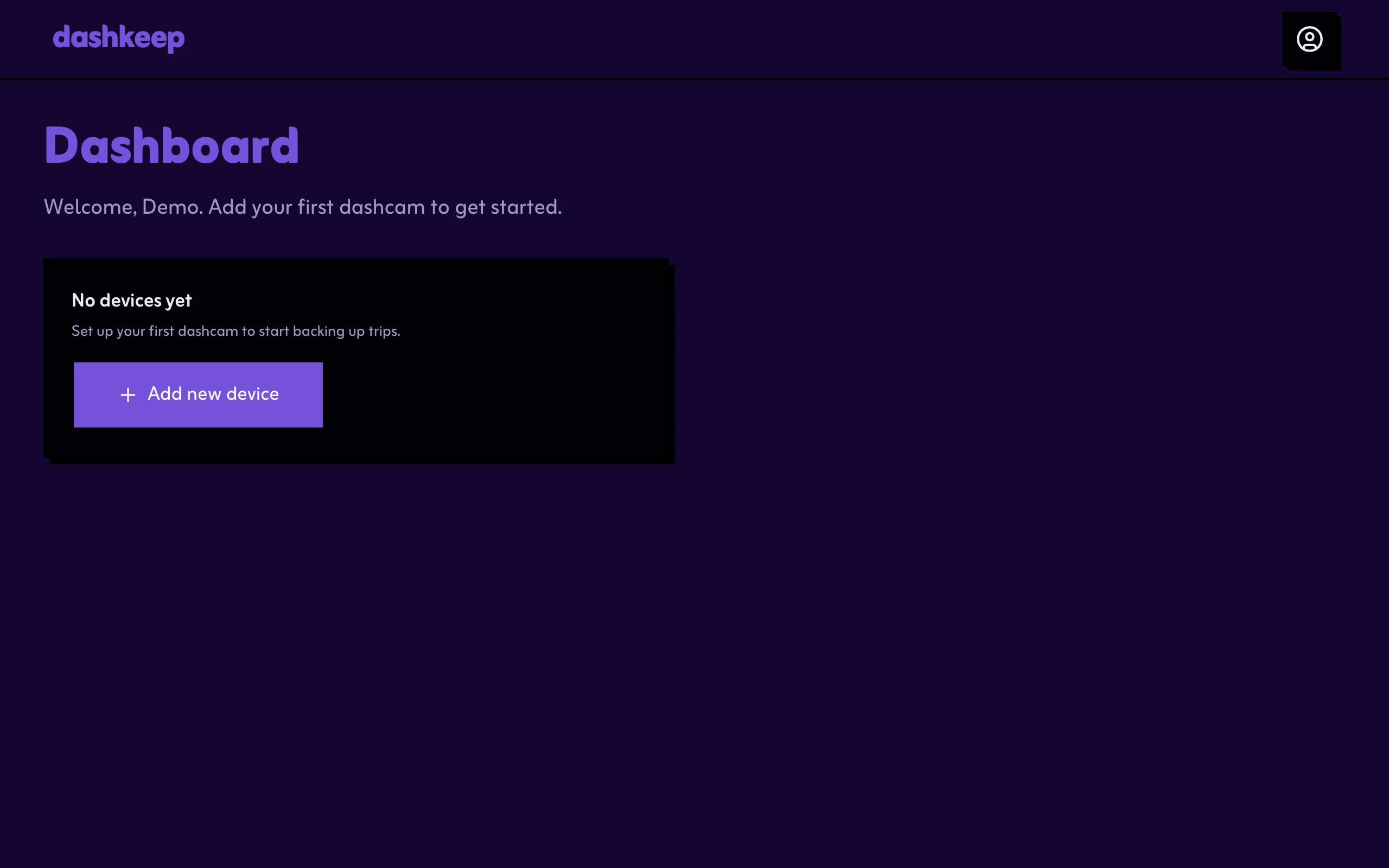
Start from the dashboard: select Add new device.
Before you start:
- Use Google Chrome or Microsoft Edge on a computer. The install step talks to the memory card directly, and only these browsers support it.
- Have the camera’s microSD card to hand, and a card reader if your computer doesn’t have one.
- Record with the card in the dashcam at least once before you start. That gives the card the camera’s
DCIMfolder.
The wizard has eight steps, split across the pages in this section:
- Brand, model, and name. Steps 1 to 3 name the device.
- Home zones. Step 4 draws the geofences where the camera uploads.
- Wi-Fi networks. Step 5 adds the networks the camera uses.
- Install and connect. Steps 6 and 7 write DashKeep to the card and wait for the first connection.
- Plan and what happens next. Step 8 picks a plan, and the page explains what the camera does afterwards.