Account and support
Account settings
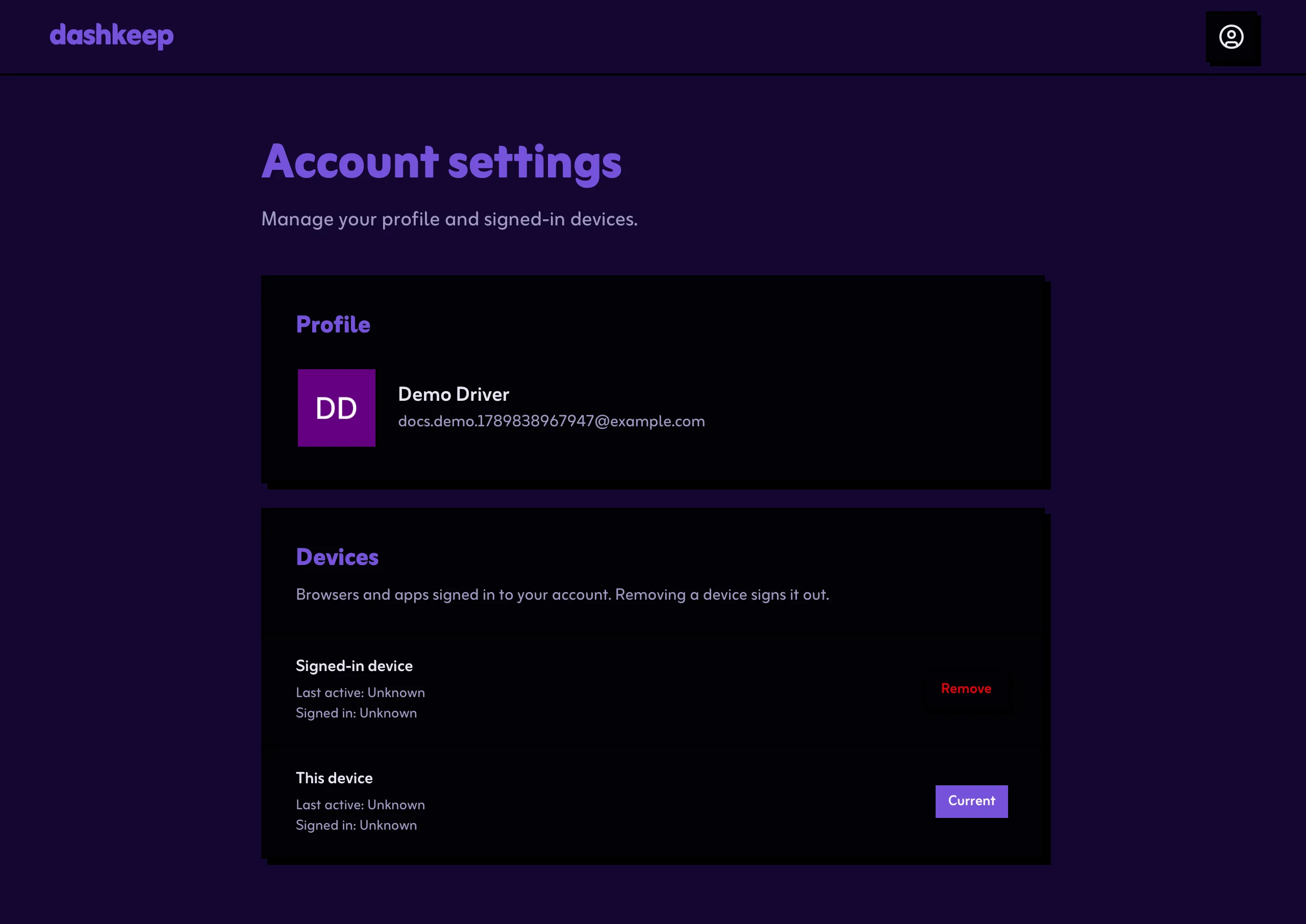
Section titled “Account settings”The account page shows your sign-in details and the sessions your account has open. You reach it from the menu under your name in the dashboard header.
Support chat
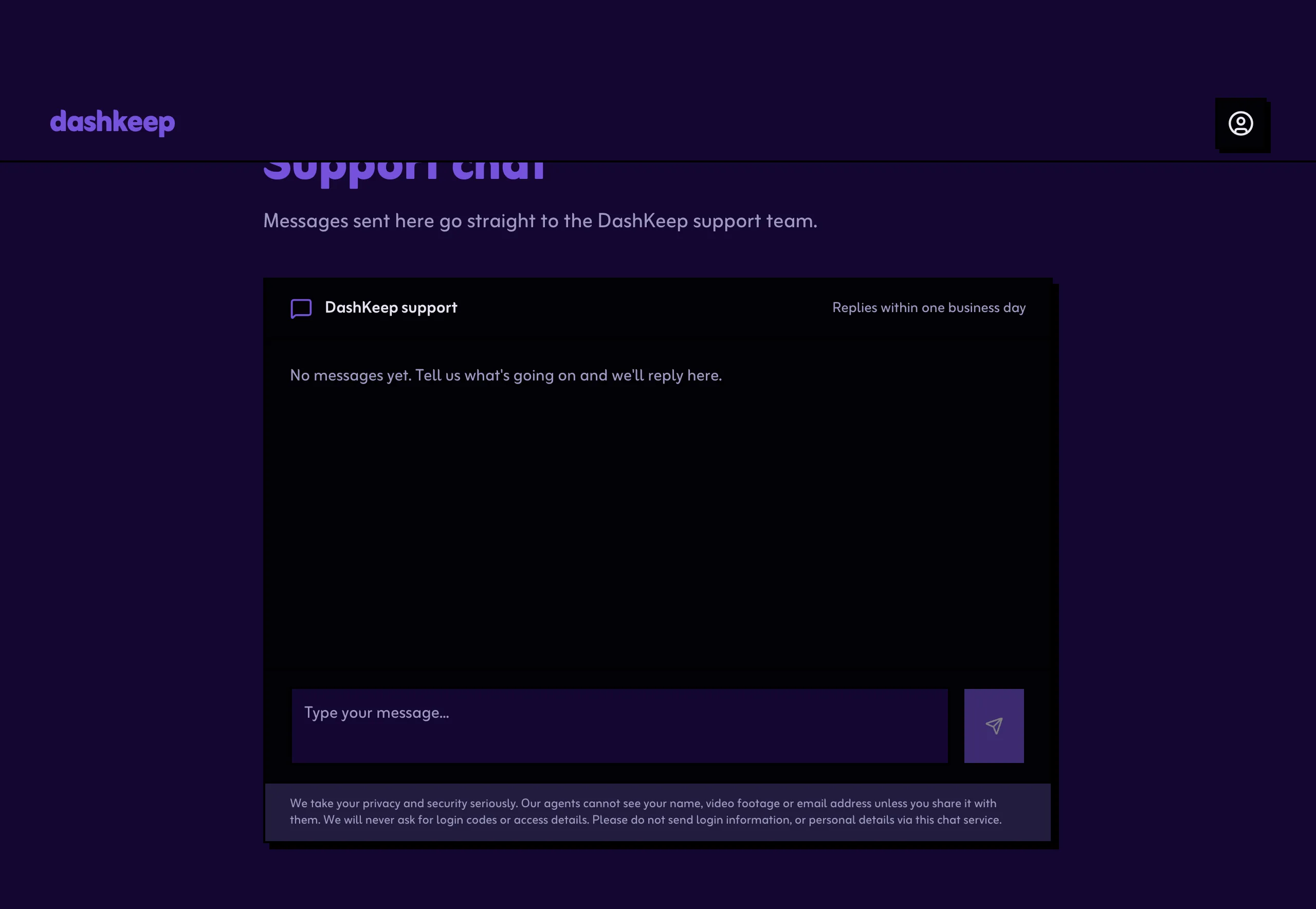
Section titled “Support chat”Open the support chat from the menu under your name in the dashboard header. Messages go to the team, and replies arrive both in the chat and by email. The page keeps the history. Your first message alerts the team straight away.
When something goes wrong with the camera itself, attach a log to your support request. See Exporting logs for how to get one off the memory card in a minute.